


Blog
Ned’s Fireworks: Fixing
WooCommerce Email & PayPal
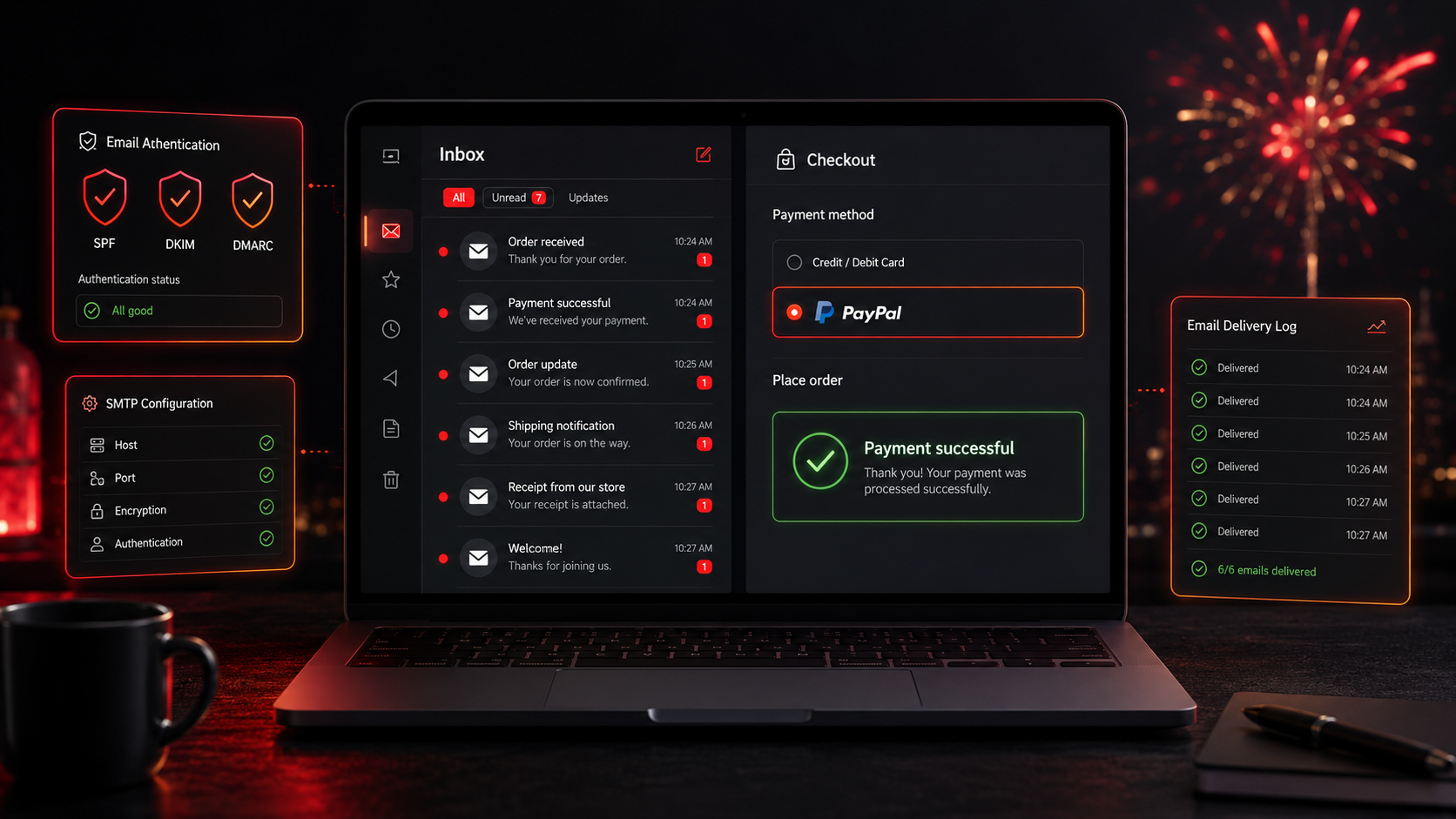
A member of Ned’s Fireworks sends another member a private message. It arrives in-site, right where it should be. The email notification that is supposed to follow it never shows up. Neither does the forum-subscription update, nor the warning that a membership is a week from expiring, nor the notice that one has already lapsed. The site had been generating the events for weeks; the emails simply were not landing.
This was a diagnose-and-fix engagement on a live WordPress and WooCommerce community site. Ned’s Fireworks runs an online store, a community forum with private messaging, and membership accounts that expire. Two things had broken: email notifications had quietly stopped reaching users, and PayPal was not active at checkout. The job was to find the real causes, fix both, and prove the result with tests.
Put simply, when many unrelated notifications fail at once, the culprit is almost never a single plugin. It is how the whole site sends mail. So the fix routed every WordPress email through authenticated SMTP, verified each notification source and the scheduled tasks behind the expiry warnings, then enabled and tested PayPal, and added logging so delivery can be checked in future instead of discovered through complaints.
The Starting Point: Events Firing, Emails Vanishing
A quick test made the pattern obvious. A private message sent from one account arrived in-site for the recipient, but produced no email notification at all. The site was raising the event; the email was not being sent or was being filtered on the way. And it was not one feature: private messages, subscribed-forum updates, and the membership emails for accounts due to expire in a week and accounts that had already expired were all failing together.
Two problems needed solving, one of them louder than the other:
- Emails were not arriving. For weeks, users had received no notifications for private messages, subscribed forums, upcoming expiries or expired accounts.
- The events fired, the emails did not. A test message arrived in-site but sent no email, so the site was generating events while the mail failed to deliver.
- Many failures pointed to one cause. Because several unrelated notifications failed together, the problem was site-wide mail deliverability, not any single plugin, meaning the default WordPress mail was failing or being filtered.
- PayPal was not active. The account email was saved in settings, but the gateway was not enabled and working, so a payment method was missing at checkout.
- Revenue and retention were at stake. A broken payment method loses sales, and missing expiry warnings mean members lapse without being told, so renewals were being lost silently.
- Invisible until reported. Email failures do not announce themselves, so the work needed a real diagnosis and a way to confirm delivery, not guesswork.
The Build: One Root Cause, Fixed at the Source
The core email fix was to stop relying on the default PHP mail and route all WordPress mail through an authenticated SMTP service, with sender authentication (SPF, DKIM and DMARC) so messages are accepted by inbox providers rather than rejected or filtered into spam. With reliable sending in place, each notification source was then verified rather than assumed. This is bread-and-butter WooCommerce development on a live site, done carefully so the store, forum and memberships kept working throughout.
The work ran as an ordered diagnose-fix-verify sequence:
- Reproduce the fault with a test private message, confirming the event fired in-site but no email was delivered.
- Route all WordPress mail through an authenticated SMTP service with SPF, DKIM and DMARC configured, so mail is actually sent and accepted.
- Verify each notification source in turn: private-message alerts, forum subscription updates, and the membership emails for accounts due to expire and already expired.
- Check the scheduled tasks (cron) that trigger the one-week expiry warnings and expired-account notices, so time-based emails fire when they should.
- Send test notifications for every type, confirm they arrive, and add email logging so delivery can be monitored going forward.
Alongside the email work, the PayPal gateway was enabled, connected and authenticated in WooCommerce, going beyond the email that was already saved in settings, and a live checkout was run so a real PayPal payment succeeded end to end.
Technical Architecture
This is a fix on a live WordPress and WooCommerce site, so the work centres on two flows: how the site sends email, which had broken for every notification type, and how it takes PayPal payments, which was not active. A handful of subsystems carried the fix.
- Email through authenticated SMTP. All WordPress mail is routed through an authenticated SMTP service instead of the default PHP mail, with SPF, DKIM and DMARC so messages send and land in the inbox rather than being dropped or spam-filtered.
- Notification sources. Each source is checked and confirmed to send: private-message alerts, forum subscription updates, and the membership emails for accounts due to expire and already expired.
- Scheduled tasks. The cron jobs that send the one-week expiry warnings and expired-account notices are verified, so time-based emails actually fire on schedule.
- PayPal gateway. The PayPal payment method is enabled and connected in WooCommerce, beyond the saved email, and tested with a live checkout so customers can complete a payment.
- Verification and logging. Test notifications are sent for each type and confirmed to arrive, and email logging is added so delivery can be checked in future rather than discovered through complaints.
- Live-site care. Every change was applied on the live site carefully, so the store, forum and memberships stayed available while email and payments were restored.
Reliable transactional email and a working payment gateway are the plumbing every store depends on, which is why this kind of deliverability-and-payments repair matters to online retailers and community stores whose sales and member renewals ride on messages that actually arrive.
Challenges Solved
The key move was reading many failures as one problem. Because private messages, forum updates and membership emails all failed together, the diagnosis started at the shared cause, how WordPress sends mail, rather than chasing each plugin separately. Routing mail through authenticated SMTP with SPF, DKIM and DMARC replaced the unreliable default mail, so notifications send and land in the inbox instead of being dropped or filtered to spam.
From there, every affected notification type was verified rather than assumed, and the scheduled tasks behind the expiry warnings were checked so a one-week warning actually goes out on time, because a late warning is as good as none for a renewal. PayPal was enabled, connected and tested with a live checkout rather than trusted to a saved email, and test notifications plus email logging turned the whole fix from something believed into something confirmed and monitorable.
The Result
The site now sends what it should and takes payment as it should. Customers can pay by PayPal at checkout again. Private messages, forum subscriptions and membership emails reach inboxes, and members are warned before they lapse instead of after. Because the fix addressed the shared root cause, all notification types were restored at once rather than one plugin at a time, and the tests and logging mean delivery is proven and can be watched going forward.
If your WordPress store or community site has stopped sending email or lost a payment method, you can bring in WooCommerce developers who diagnose the real root cause and confirm the fix with tests, or tell us what has broken and we will trace it to its source rather than patch the symptoms.
Frequently Asked Questions
Why do WordPress and WooCommerce emails stop reaching users?
Usually because the site relies on the default PHP mail, which inbox providers often reject or filter to spam. When many unrelated notifications fail at once, the cause is site-wide deliverability rather than a single plugin, and routing all mail through an authenticated SMTP service fixes them together.
How does authenticated SMTP fix email deliverability?
An authenticated SMTP service sends mail through a real, authorised mail server instead of raw PHP mail, and adding SPF, DKIM and DMARC proves the messages are legitimate. Together they mean notifications are accepted and delivered to the inbox rather than dropped or marked as spam.
Why weren’t the membership expiry emails sending?
The expiry and expired-account emails are triggered by scheduled tasks (cron), and they depend on the site being able to send mail at all. After routing mail through authenticated SMTP, the scheduled tasks were verified so the one-week warnings and expired notices fire on time.
Why wasn’t PayPal working if the account email was already saved?
A saved email is not a connected gateway. PayPal has to be enabled, connected and authenticated in WooCommerce for checkout to accept it. Here the gateway was activated and then tested with a live checkout so a real payment completed, rather than relying on the saved email alone.
How do you confirm the fix actually worked?
By testing every notification type and running a live PayPal payment, then adding email logging. That way delivery is proven rather than assumed, and future issues can be spotted in the log instead of discovered when a member reports that something never arrived.