


Blog
Instructor Profiles Restored:
WordPress Fix
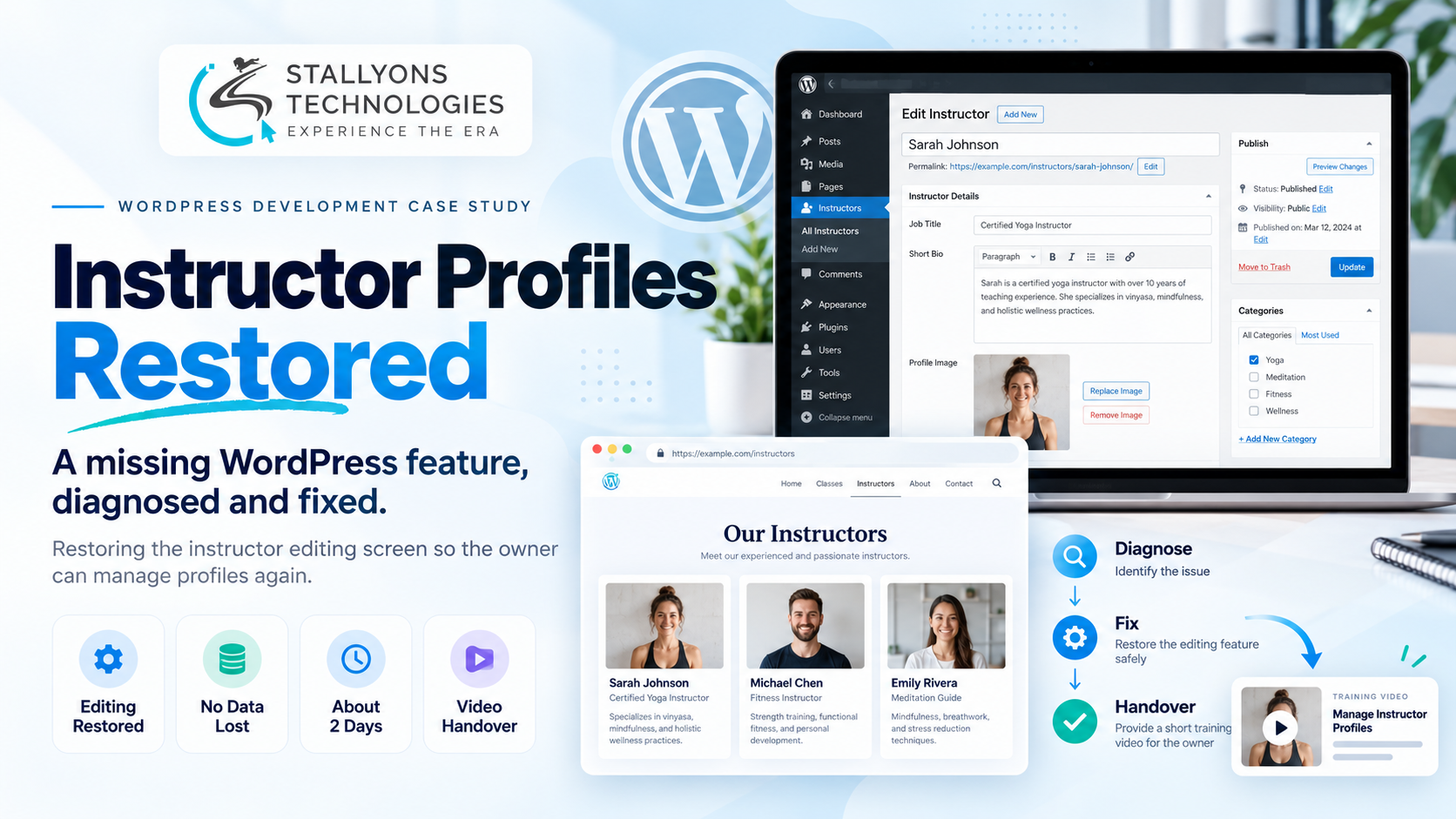
An outdoor fitness business signs on a new instructor and wants them on the website the same week. The owner logs into WordPress, goes looking for the screen where instructor details are entered, and it is gone. The profiles already on the site still show in public, so visitors see nothing wrong, but the owner can no longer add a new face or correct an old one. A site built by someone else has quietly stopped doing one of the few jobs the owner needs from it.
That is where an Australian activity business found itself. Its WordPress site lists the instructors who run its outdoor sessions, and at some point the owner lost the ability to add or update them from the dashboard. The previous developer had left no notes on how the site was put together. We took over with admin access, reproduced the fault from the owner’s point of view, traced it to the plugin that manages instructor profiles, corrected the configuration, and recorded a short video so the owner, or any future helper, could find and edit instructor details without calling a developer.
Put simply, the editing screen came back, no existing profiles were touched, and the owner was shown exactly where to go, so the site lists stay current on their own.
The Starting Point: An Inherited Site With a Missing Feature
The brief looked small, but the risk was not. The public instructor pages were live and correct, so any heavy-handed change, a reinstall or a rebuild, could have wiped the very records the owner wanted to keep. The work had to find the cause first and change as little as possible. That set the constraints.
- Lost editing. The owner could no longer add or change instructor information from the dashboard, so profiles could not be kept current.
- No handover notes. The previous developer had left no guide to how the site was built, so its setup had to be worked out from the site itself.
- Live content at risk. The public instructor profiles had to stay intact and visible the whole time the fix was made.
- No theme changes. The look and layout were fine, so the fix could not touch the theme or the design.
- A fault that looked worse than it was. A missing screen can read as a broken plugin, which tempts a reinstall, so the real cause had to be confirmed before anything was changed.
- A lasting handover. The owner needed to know where the editing screen lived, so the same confusion would not return.
The Build: Reproduce, Diagnose, Fix, Then Hand It Back
Fixing an inherited site safely is less about writing new code and more about reading the existing one correctly, which is where careful WordPress development and support earns its keep. Rather than reinstall plugins or rebuild pages, we worked through how the site was assembled. The job ran in a set order:
- We took admin access and confirmed the problem exactly as the owner saw it: the place where instructor details used to be entered was no longer available.
- We worked through how the site was put together, since there were no handover notes to rely on.
- We traced the missing screen to a configuration issue in the plugin that manages instructor profiles, rather than a broken install.
- We corrected that configuration, which brought the editing screen back, while leaving the existing instructor records and the public pages untouched.
- We recorded a short walk-through showing where instructor details are added and edited.
- We handed the video over so the owner, or anyone who helps later, can repeat the steps at any time.
Because the confusion came mostly from not knowing where the information lived, the video did the job the missing handover should have done. Reproducing the fault before changing anything is really a piece of quality assurance testing: confirm the problem, find the true cause, then make the smallest change that fixes it.
Technical Architecture
There was no new system to build here. The architecture that mattered was the one already in place, and the skill was understanding it well enough to fix one piece without disturbing the rest. Each part had a role in the diagnosis.
- Platform. The client’s existing WordPress site, kept exactly as it was, theme and all.
- Instructor plugin. The plugin that manages instructor profiles, which was where the fault turned out to live, in its settings rather than its code.
- Admin dashboard. The WordPress dashboard, where the owner adds and edits instructor details once the screen was restored.
- Site database. The store that held the existing instructor records, kept intact so no profile was lost in the fix.
- Public instructor pages. The front-end profiles that visitors see, which stayed live and unchanged throughout.
- Handover video. A short screen recording that replaced the missing documentation and lets the owner repeat the steps.
The genuinely tricky part was restraint. A missing editing screen looks like a broken plugin, and the quick reaction is to reinstall it, which can reset settings and put live records at risk. Confirming that a single setting, not the code, was the cause is what allowed a targeted fix instead of a risky rebuild.
Challenges Solved
The first challenge was the inherited site itself. With no notes from the previous developer, the plugin’s setup had to be understood from the site as it stood before a single change was made. That meant reading the configuration carefully and working out which setting controlled the editing screen, rather than guessing and reinstalling. The second challenge was the fault’s disguise: it presented like a broken plugin when the real cause was a setting, so a careful diagnosis avoided a reinstall that could have cost the client data.
The third challenge was making the fix last. A corrected screen is only useful if the owner can find it, so a short video showed exactly where instructor details are added and edited. That turned a one-time repair into something the owner can keep doing alone, which was the real goal: instructor details that stay up to date without a developer in the loop.
The Result
Instructor editing worked again after a short, focused engagement, with no theme changes and no lost records. The owner reviewed the handover video, confirmed they could see where the information is maintained, approved the work, and left a review. Because the fix was targeted and the site was left otherwise untouched, there was no cleanup afterward and nothing for the owner to relearn beyond the one screen they had been missing. The handover video also leaves the business in a better position than before the fault appeared, since the step-by-step reference the previous developer never provided now sits with the owner for good.
If you have inherited a WordPress site with no documentation and a feature that has quietly stopped working, you can hire WordPress developers who diagnose before they change anything, or tell us what stopped working on your site and we will reproduce it, find the cause, and fix it safely. It suits any instructor-led or training and education business that keeps a roster of people on its website.
Frequently Asked Questions
What was wrong with the instructor profiles?
The owner could no longer add or update instructor details from the WordPress dashboard. The existing profiles still showed in public, but the editing screen was missing, so the roster could not be kept current. The cause was a configuration issue in the plugin that manages instructor profiles.
Was any existing content lost during the fix?
No. The fix corrected a setting rather than reinstalling the plugin or rebuilding pages, so every existing instructor record stayed intact and the public profiles remained live and unchanged throughout the work.
Why not just reinstall the plugin?
A missing screen can look like a broken plugin, but a reinstall can reset settings and risk the live records. We reproduced the fault and traced it to a single configuration setting first, which allowed a targeted fix with no danger to the instructor data.
How can the owner manage profiles now?
A short handover video shows exactly where instructor details are added and edited in the dashboard. The owner, or anyone who helps later, can follow it at any time, so new instructors go up and old ones get updated without calling a developer.
Can you work on a site someone else built?
Yes. This was an inherited WordPress site with no handover notes, and we worked out its setup from the site itself before changing anything. We regularly take over sites built by other developers, diagnose the real cause of a problem, and fix it without disturbing what already works.